Creating an account on Leakshaven unlocks access to the key system, gated content, and full platform functionality. This page covers the Login/Signup Panel, login process, account creation, and the most common access issues people run into.

You are signed in
Welcome back. You now have access to your key balance and all gated content.
Visit HomepageRedirecting in 5 seconds
Welcome Back
Log in to access your keys and content
Create Your Account
Free to join. Start earning keys immediately.
By signing up you agree to our Terms of Service and Privacy Policy. You must be 18 or older to register.
Reset Password
Enter your email and we will send you a reset link
Check Your Email
A password reset link has been sent to . Check your inbox and follow the instructions to reset your password.
How to Create a Leakshaven Account
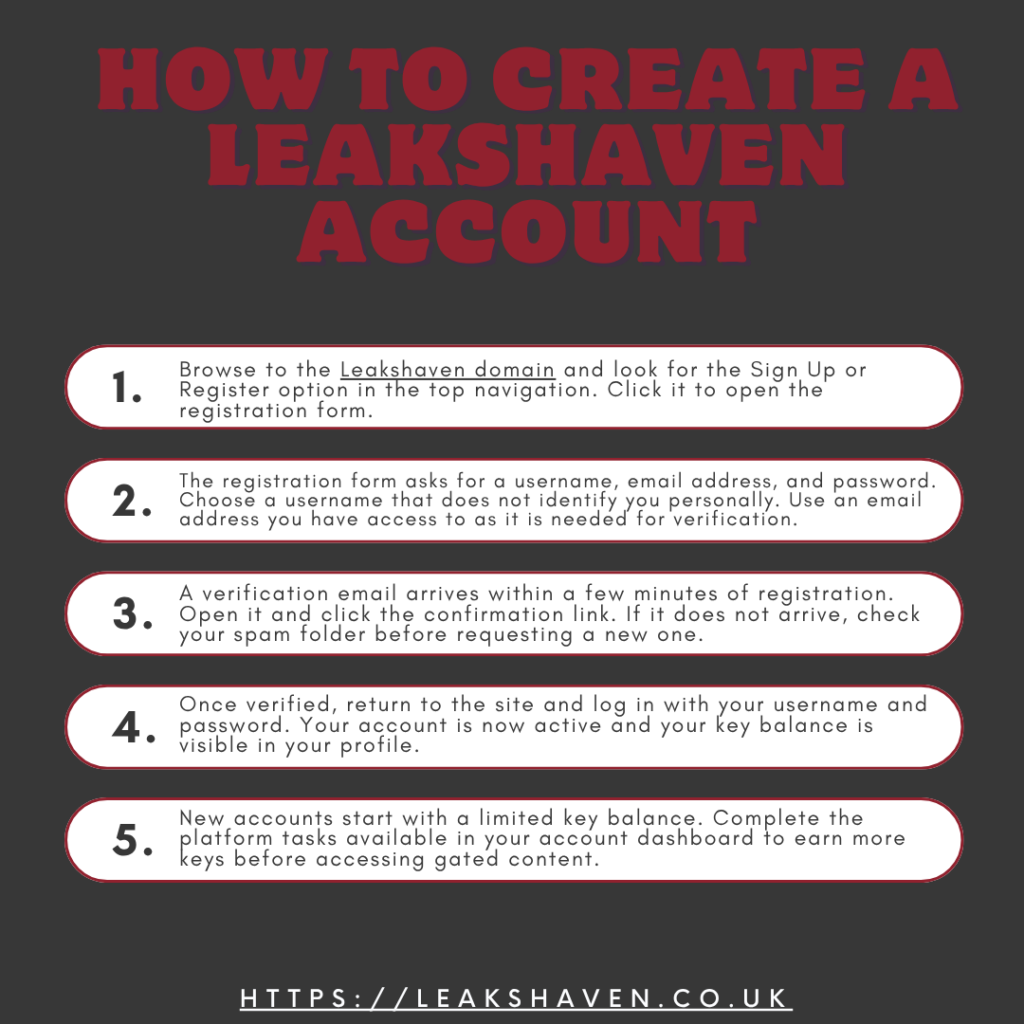
Creating an account is free and takes under two minutes. No payment information is required at any stage of registration. Just follow these simple steps to get the process done:
Step 1 — Go to the Registration Page
Browse to the Leakshaven domain and look for the Sign Up or Register option in the top navigation. Click it to open the registration form.
Step 2 — Enter Your Details
The registration form asks for a username, email address, and password. Choose a username that does not identify you personally. Use an email address you have access to as it is needed for verification.
Step 3 — Verify Your Email
A verification email arrives within a few minutes of registration. Open it and click the confirmation link. If it does not arrive, check your spam folder before requesting a new one.
Step 4 — Log In
Once verified, return to the site and log in with your username and password. Your account is now active and your key balance is visible in your profile.
Step 5 — Build Your Key Balance
New accounts start with a limited key balance. Complete the platform tasks available in your account dashboard to earn more keys before accessing gated content.
How to Log In to Leakshaven
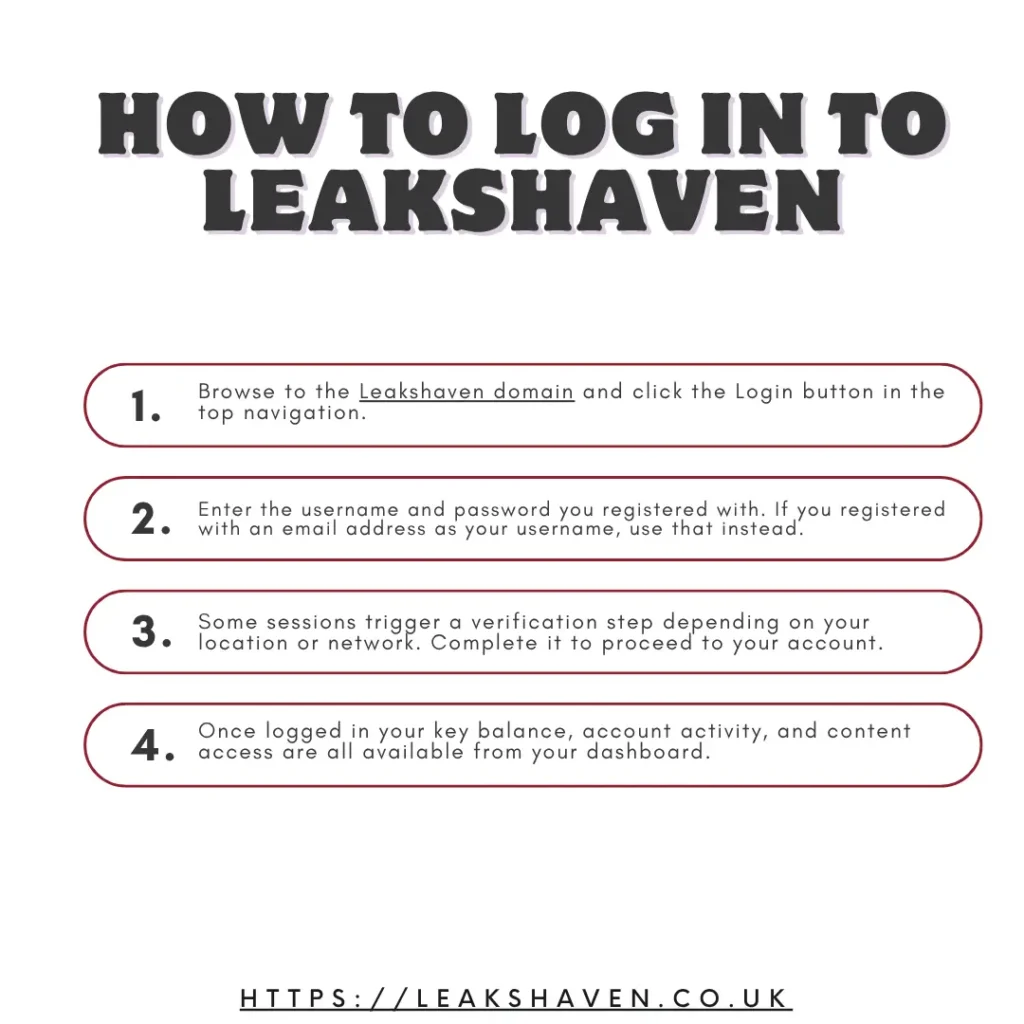
You can login by using these steps:
Step 1 — Go to the Login Page
Browse to the Leakshaven domain and click the Login button in the top navigation.
Step 2 — Enter Your Credentials
Enter the username and password you registered with. If you registered with an email address as your username, use that instead.
Step 3 — Complete Any Verification
Some sessions trigger a verification step depending on your location or network. Complete it to proceed to your account.
Step 4 — Access Your Dashboard
Once logged in your key balance, account activity, and content access are all available from your dashboard.
Common Login Problems and Fixes
The table below covers every common login issue and the fix for each one before anything more complex is needed.
| Problem | Most Likely Cause | Fix |
| Page not loading | ISP or regional block | Use a VPN to bypass the block |
| Forbidden resource error | Network or country block | Switch VPN server location |
| Wrong password error | Incorrect credentials | Use the password reset option |
| Verification email not arriving | Spam filter | Check spam folder or request a new email |
| Account suspended | Terms violation | Contact support through community channels |
| Login page not appearing | Browser cache | Clear cache and cookies then reload |
How to Reset Your Leakshaven Password
Step 1
Go to the login page and click the Forgot Password link below the login form.
Step 2
Enter the email address you registered with and submit the form.
Step 3
Check your inbox for a password reset email. Click the link inside it.
Step 4
Enter a new password and confirm it. Log in with your new credentials immediately after.
If the reset email does not arrive, check your spam folder. If the email address you registered with is no longer accessible, reach out through the Reddit or Telegram communities for alternative support options.
If Leakshaven does not respond during password reset, you can check the Leakshaven troubleshooting guide.
Do You Need an Account to Use Leakshaven?
No. The basic browsing and creator search work without an account. An account is only required to access key gated content. If you are exploring the platform for the first time, browsing without an account first gives you a clear picture of what is available before committing to registration.
Is It Safe to Create a Leakshaven Account?
Yes, with standard precautions it is safe to create a leakshaven account. Use an email address that is not connected to your real identity if privacy matters to you. Use a strong unique password that you do not use on any other platform. Enable a VPN before registering if your network blocks the domain. Do not share your login credentials with anyone in community channels regardless of what they offer in return.